2D Movement
 |
Pan |
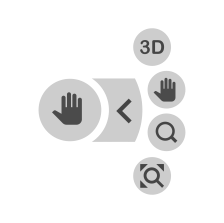
You can pan around the project in 2D by evoking the pan tool. When evoked, the pan direction circumference appears. Holding your finger (on a tablet or smartphone) or left mouse button down on the icon, the scene pans in the direction of the arrow. |
|

|
Zoom | When you select Zoom, the onscreen tool updates to offer + for Zooming in or – for zooming out. Alternatively, if you are on your computer and using a mouse, use the scroll wheel to zoom in and out. If you are on a tablet or smartphone, use a two-finger pinch-to-zoom action to zoom in and out. | |

|
Zoom All | Fits the entire project on the screen | |

|
Switch to 3D | Moves the project into a 3D view. |